

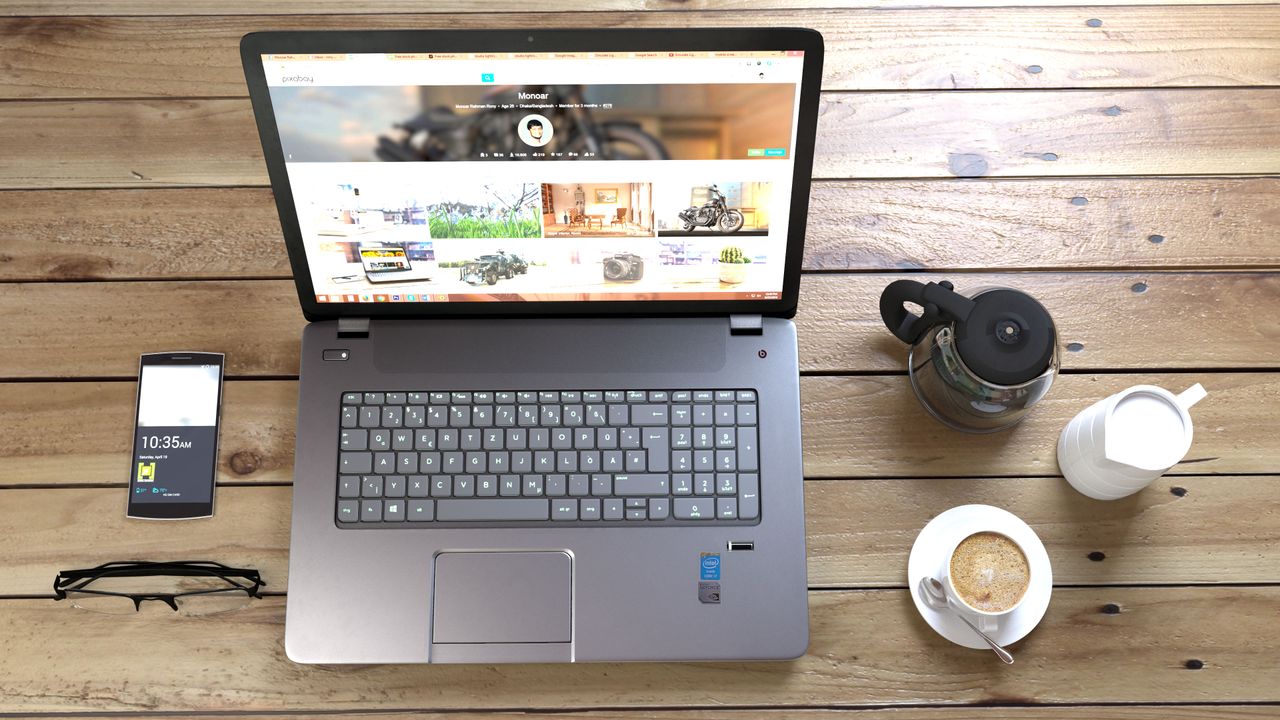
Face Off: HP Pavilion 15 vs. Lenovo IdeaPad Z50 vs. Toshiba Satellite S50
Table of Contents
The HP Pavilion 15-ab022ng represents a class of laptop that has become increasingly uncommon: a straightforward, full-size notebook designed primarily to be a dependable home and office computer rather than a convertible, tablet replacement, or ultra-thin fashion statement.
Released in the mid-2010s, this particular Pavilion 15 configuration combines Intel’s fifth-generation Core i7-5500U processor with 12 GB of DDR3 memory and Nvidia GeForce 940M graphics. Its 15.6-inch display offers Full HD resolution, while the conventional chassis includes an optical drive, Ethernet, multiple USB ports, and a removable battery.
The reference testing also compares it with the Lenovo IdeaPad Z50-75 and Toshiba Satellite S50-B-12U. That comparison is useful because it highlights where the HP succeeds—and where its compromises become obvious.
The Pavilion isn’t perfect. Its display has weak contrast, its cooling system can become noisy under demanding workloads, and the chassis is noticeably heavier and thicker than the Toshiba. Nevertheless, its combination of performance, thermals, battery endurance, keyboard quality, and conventional connectivity makes it a surprisingly balanced machine for users who simply want a capable laptop for everyday computing.
Key Specifications
| Specification | HP Pavilion 15-ab022ng |
|---|---|
| Display | 15.6-inch TN, matte |
| Resolution | 1920 × 1080 |
| Pixel density | Approximately 141 PPI |
| Processor | Intel Core i7-5500U |
| CPU generation | Broadwell |
| CPU clock | 2.4 GHz |
| CPU TDP | 15 W |
| Memory | 12 GB DDR3-1600 |
| Memory configuration | Dual-channel, 2 × SODIMM |
| Graphics | Nvidia GeForce 940M |
| Storage interface | 2.5-inch SATA III |
| USB | 2 × USB 3.0, 1 × USB 2.0 |
| Video output | HDMI |
| Ethernet | 10/100 Mbps |
| Optical drive | Yes |
| Card reader | SD |
| Audio | 3.5 mm combo audio |
| Battery | 41 Wh, removable |
| Dimensions | 384.5 × 261.1 × 25.2 mm |
| Weight | Approximately 2.2 kg |
| Chassis material | Primarily plastic |
| Keyboard | Full-size, non-backlit |
| Touchpad | Multi-touch, integrated buttons |
Design and Build Quality
The Pavilion 15 doesn’t pretend to be a premium notebook. Its exterior is predominantly plastic, although HP uses brushed-metal-style textures to give the machine a more upscale appearance.
More important than the appearance is the rigidity of the chassis. The base resists twisting and localized pressure reasonably well, while the hinges provide a firm feel. The display lid is more flexible, but this is not particularly unusual for a budget-oriented 15.6-inch notebook.
The result is a machine that feels more substantial than its price category might suggest.
This is particularly significant when compared with the Lenovo IdeaPad Z50. Lenovo’s machine has a sharper-looking design, but both its base and lid are more prone to flexing, and the chassis can produce audible creaking. Toshiba’s Satellite S50 offers a strong alternative, combining comparable construction quality with a considerably slimmer profile.
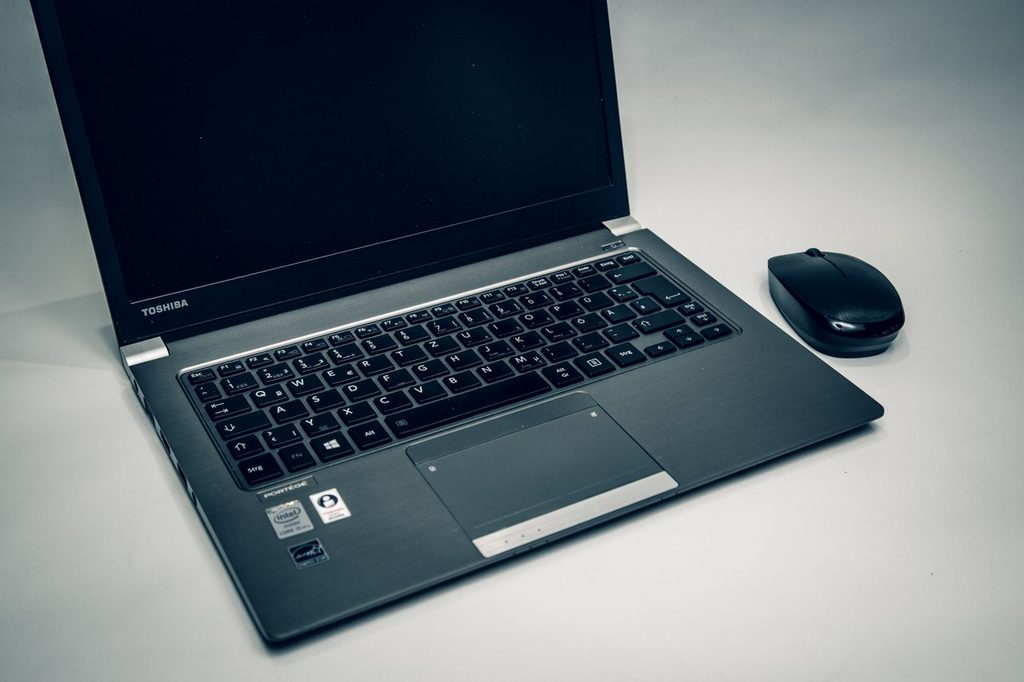
At roughly 2.2 kg, the Pavilion isn’t exactly portable by modern standards. The Toshiba weighs around 2 kg and is only about 20 mm thick, compared with approximately 25 mm for the HP.
For desk-to-desk movement around a home, however, the Pavilion’s size isn’t especially problematic. It is best understood as a transportable desktop replacement rather than a travel-first laptop.
Ports and Connectivity
Connectivity is one area where the Pavilion illustrates the strengths and weaknesses of conventional laptop design.
It provides two USB 3.0 ports and one USB 2.0 port, an HDMI output, SD card reader, Ethernet, an optical drive, and a 3.5 mm audio connection. The presence of an optical drive is increasingly unusual even today, although it was entirely normal for this generation.
There is one significant omission: Ethernet is limited to 10/100 Mbps rather than Gigabit Ethernet. The Lenovo Z50 is better equipped here and also includes VGA, which can still be useful when connecting the laptop to older projectors or classroom displays.
For typical home use, HDMI and USB cover most modern peripheral requirements. For business or educational environments with older presentation equipment, however, Lenovo’s VGA port gives it a practical advantage.
Keyboard and Touchpad
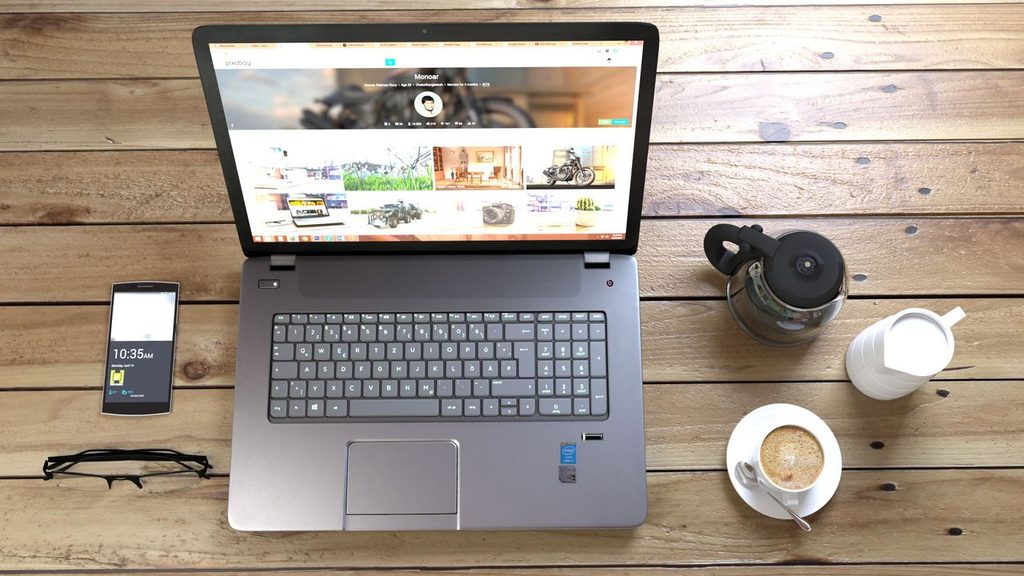
The Pavilion’s keyboard isn’t exceptional, but it avoids the more serious problems found on its competitors.
Key travel is relatively shallow and the feedback is somewhat soft. Nevertheless, the keyboard remains consistent enough that users can adapt to it relatively quickly.
That’s important because the Lenovo Z50 suffers from significant keyboard flex. Pressing on the keyboard surface can cause it to deform, contributing to a distinctly spongy typing experience. The Toshiba’s keyboard is also inconsistent, particularly around its large Space Bar.
HP therefore takes a more conservative approach that ultimately works better. It doesn’t offer a premium typing experience, but it provides fewer distractions during normal use.
The touchpad is similarly competent. Its tracking and edge response are more consistent than Lenovo’s implementation, while the integrated click mechanism avoids the particularly weak dedicated buttons found on the Z50.
Toshiba has an advantage in touchpad feel, thanks to its firmer surface and precise response. Still, the Pavilion remains a sensible all-around input device.
Display Quality
The 15.6-inch Full HD display is simultaneously one of the Pavilion’s strengths and one of its most obvious weaknesses.
The 1920 × 1080 resolution provides substantially more workspace than the 1366 × 768 panels found in the tested Lenovo and Toshiba configurations. At approximately 141 pixels per inch, text and interface elements are noticeably sharper.
The HP also benefits from a matte finish. This is particularly useful for office work because reflections are less distracting than they are on glossy displays.
Brightness, however, is mediocre. Testing measured roughly 223 nits in the center, with overall brightness around the low-200-nit range. That’s adequate for indoor use but insufficient for comfortable outdoor viewing.
Color reproduction is also limited. Coverage sits around 66% of sRGB, while the panel’s uncalibrated colors skew noticeably cool. These limitations are typical of inexpensive TN displays from this era.
The bigger problem is contrast.
The Pavilion recorded a contrast ratio of roughly 293:1, substantially below the approximately 674:1 measured for the Lenovo panel and 495:1 for the Toshiba. Consequently, dark scenes can appear washed out, with blacks taking on a gray appearance.
For web browsing, documents, spreadsheets, and general productivity, the resolution and matte finish are valuable. For photography, video production, color-sensitive design, or movie watching in a dark room, the display is much less impressive.
Performance Analysis
CPU Performance
The Core i7-5500U is a dual-core Broadwell processor with Hyper-Threading and a nominal clock speed of 2.4 GHz.
Despite its low-voltage design, it delivered the strongest CPU results among the three tested systems. In Cinebench R15, the Pavilion scored 112 points in the single-core test and 289 points in multi-core testing.
For comparison, the AMD A10-7300 in the Lenovo managed 58 and 159 points respectively, while the Toshiba’s Core i5-4200U reached 101 and 240 points.
The difference is especially notable in single-threaded workloads. Everyday activities such as launching applications, browsing, and many lightly threaded tasks therefore benefit from the HP’s processor advantage.
Of course, modern software expectations have moved considerably beyond these specifications. This hardware should be viewed in its historical context: it was a competent mainstream configuration rather than a workstation-class platform.
Graphics Performance
The GeForce 940M gives the Pavilion significantly more graphical capability than an ordinary integrated-graphics laptop from the same period.
In 3DMark 11, the HP achieved 2,359 points, narrowly ahead of the Lenovo’s dual-graphics Radeon configuration at 2,316 points. Toshiba’s Radeon R7 M260 followed at 1,844 points.
That translates into reasonable entry-level gaming capability.
The Pavilion could handle older games at 720p using low-to-medium settings, and some titles could run considerably faster when visual quality was reduced. In Tomb Raider, for example, the tested configuration reached 129.1 fps at 1024 × 768 using the Low preset.
The important caveat is that the 940M should not be confused with a modern gaming GPU. Contemporary or graphically demanding games would require substantial reductions in resolution and image quality.
Still, for older PC games, esports titles from the period, and GPU-accelerated applications, the dedicated Nvidia GPU provides useful additional headroom.
Storage and Everyday Responsiveness
The Pavilion uses a conventional 2.5-inch SATA III storage bay. The reference configuration’s broader comparison also shows why storage technology mattered: the Lenovo’s hybrid drive helped it remain reasonably competitive in PCMark despite its weaker processor.
The HP’s SATA III interface provides a better foundation for upgrading to a faster SATA SSD than the Toshiba’s SATA II storage interface.
For anyone maintaining this type of machine today, replacing a mechanical hard drive with a SATA SSD would likely produce a much more noticeable improvement in perceived responsiveness than increasing CPU performance.
Thermal and Stress Performance
The Pavilion handles sustained hardware stress relatively well for its class, although its processor becomes warm.
Under combined CPU/GPU stress, the CPU reached approximately 86°C. That’s considerably warmer than the Lenovo’s 72°C and somewhat higher than the Toshiba’s 82°C.
The important point, however, is that the Pavilion maintained relatively stable performance. Its CPU clock remained around 2.3–2.5 GHz during the Prime95 test, while the GPU maintained approximately 1,163 MHz under FurMark—above its listed base clock range.
The GeForce 940M also recorded a relatively low maximum GPU temperature of 68°C.
So while the HP runs hot internally, its thermal behavior isn’t characterized by severe graphics throttling. The chassis design appears capable of moving enough heat away from the GPU to keep sustained graphics performance relatively stable.
Noise and Surface Temperatures
The thermal picture changes when we look at acoustics.
The Pavilion’s cooling fans are more audible than those in the competing Lenovo. Under heavy loads, measured fan noise ranged from roughly 44.1 to 52.5 dB(A), compared with about 36.9–38.4 dB(A) for the IdeaPad Z50.
That makes the HP noticeably less attractive for users who prioritize quiet operation.
The trade-off is surface temperature.
Under heavy workloads, the Pavilion’s average surface temperature was approximately 32.5°C, compared with 31.3°C for Lenovo and a much warmer 39.3°C for Toshiba. Its chassis also avoided the Toshiba’s particularly hot underside.
In other words, HP uses more aggressive cooling to keep the exterior relatively comfortable.
For desk use, that is a reasonable engineering trade-off. The user hears more fan noise, but the laptop doesn’t become excessively hot to touch.
Battery Life
The Pavilion’s 41 Wh removable battery doesn’t look particularly impressive by modern standards, but the system’s efficiency helped it outperform the other machines in the comparison.
Idle/reader testing produced approximately 9.4 hours of runtime, while the more demanding workload test lasted around 1.5 hours.
The Lenovo’s smaller 32 Wh battery managed approximately 4.4 hours in the corresponding reader test and only around 1.1 hours under heavy load. Toshiba’s larger 44 Wh battery achieved approximately 8.2 hours in the reader test and 1.9 hours under load.
The results demonstrate that battery capacity alone doesn’t determine endurance. HP’s Broadwell processor and Nvidia Optimus graphics switching contribute to its relatively strong efficiency.
For a 15.6-inch notebook from this period, the Pavilion’s battery performance is one of its more convincing attributes.
Pros and Cons
Pros
- Strong overall chassis: The plastic construction is reasonably rigid and avoids the flex and creaking found on the Lenovo.
- Full HD matte display: 1920 × 1080 provides substantially more workspace than the 1366 × 768 alternatives.
- Good CPU performance: The Core i7-5500U leads the tested group in both single- and multi-threaded Cinebench performance.
- Capable dedicated graphics: The GeForce 940M provides useful gaming performance for older titles.
- Good thermal surface temperatures: Despite high internal CPU temperatures, the exterior remains comparatively comfortable.
- Strong battery endurance: The Pavilion lasts noticeably longer than the Lenovo in comparable testing.
- Competent keyboard: It avoids the serious flex and inconsistent feedback of its rivals.
- Upgrade-friendly storage interface: The 2.5-inch SATA III bay provides a practical path to faster storage.
Cons
- Poor display contrast: Dark scenes look washed out, and the panel is unsuitable for serious visual work.
- Limited color coverage: The TN panel is far from ideal for photography or professional creative applications.
- High fan noise: Cooling becomes quite audible under demanding workloads.
- No Gigabit Ethernet: The 10/100 Mbps network interface is an unnecessary limitation.
- Relatively bulky: At around 2.2 kg and 25.2 mm thick, this isn’t an especially mobile notebook.
- Plastic construction: Although solid enough, it doesn’t offer the premium feel of metal-bodied alternatives.
- No VGA: Users with older projectors or displays may need an adapter.
- Older platform: Its hardware is now far removed from current laptop performance standards.
Who Is This For?
The Pavilion 15 makes the most sense for someone who values practicality over portability and premium design.
It was particularly well suited to home users who wanted a single machine for web browsing, office applications, media consumption, light content creation, and occasional gaming.
Students could also benefit from the large Full HD screen, conventional keyboard, optical drive, and reasonable battery life, although the lack of VGA could matter in schools using older projectors.
It is less suitable for frequent travelers. The 2.2 kg weight and relatively thick chassis make it considerably less convenient to carry than modern ultraportables.
Creative professionals should also look elsewhere. The display’s limited color coverage and weak contrast make it poorly suited to professional photography, video editing, or color-critical design.
Gamers can use the GeForce 940M for older titles, but this is fundamentally a mainstream laptop rather than a dedicated gaming machine.
Final Verdict
The HP Pavilion 15-ab022ng is a good example of why conventional laptops remained relevant even as manufacturers increasingly experimented with convertibles, touchscreens, and ultra-thin designs.
Its biggest strength is balance. The Pavilion combines a solid chassis, capable Core i7 processor, dedicated Nvidia graphics, Full HD matte display, acceptable input devices, reasonable thermals, and strong battery endurance. None of these characteristics individually makes it exceptional, but together they create a machine that is unusually well suited to ordinary computing.
Its shortcomings are equally clear. The display’s poor contrast is difficult to overlook, particularly for multimedia use, while the cooling system can become noisy under sustained workloads. The machine is also heavier than the Toshiba Satellite S50 and lacks some useful connectivity options offered by the Lenovo IdeaPad Z50.
Nevertheless, the Pavilion avoids the more fundamental problems of its competitors. Lenovo’s Z50 has a weaker keyboard, poorer chassis rigidity, and significantly shorter battery endurance, while Toshiba’s S50 trades portability for higher surface temperatures and has limitations such as its SATA II storage interface and absent optical drive.
For its original market position, the Pavilion 15 therefore stands out as a well-rounded mainstream notebook rather than a specialist machine. It is best suited to stationary home and office use, where its size matters less and its comfortable surface temperatures, capable hardware, conventional ports, and battery endurance become more valuable.
The most important qualification today is age. This is a historical assessment of a 2015-era laptop, and its hardware should not be compared directly with modern notebooks. For someone evaluating the Pavilion as used equipment today, condition, battery health, storage upgrades, RAM configuration, and the exact asking price would be just as important as the original benchmark results.
Bottom line: the HP Pavilion 15-ab022ng succeeded because it didn’t try to reinvent the notebook. It delivered solid everyday performance, useful dedicated graphics, good endurance, and dependable ergonomics in a straightforward 15.6-inch package. Its display and acoustic behavior prevent it from being an all-round standout, but for conventional home computing, its combination of strengths made it a compelling mainstream option in its generation.