

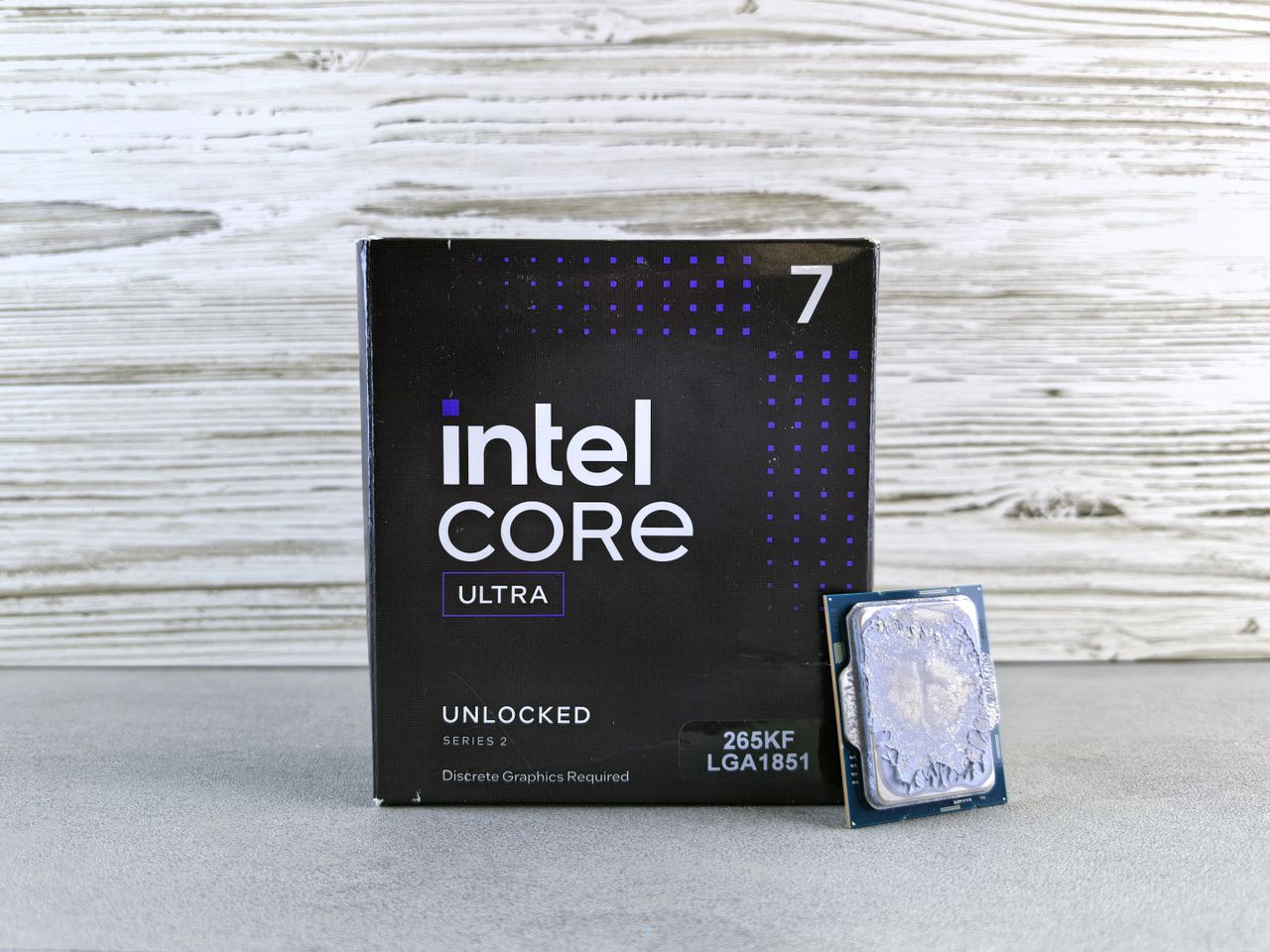
Which CPU Should You Buy? Intel Core i5 vs. i7
Table of Contents
Choosing the right Central Processing Unit (CPU) is often the most critical decision when purchasing or building a desktop or laptop PC. While Intel’s entry-level Core i3 targets basic computing and the enthusiast Core i9 addresses extreme workstation tasks, the real battlefield for mainstream consumers lies between the Intel Core i5 and Intel Core i7 families.
Because both lines share core architecture, feature sets, and similar naming conventions, telling them apart requires looking closely at key architectural parameters: core and thread configurations, cache sizes, dynamic clock speeds, and integrated graphics capabilities.
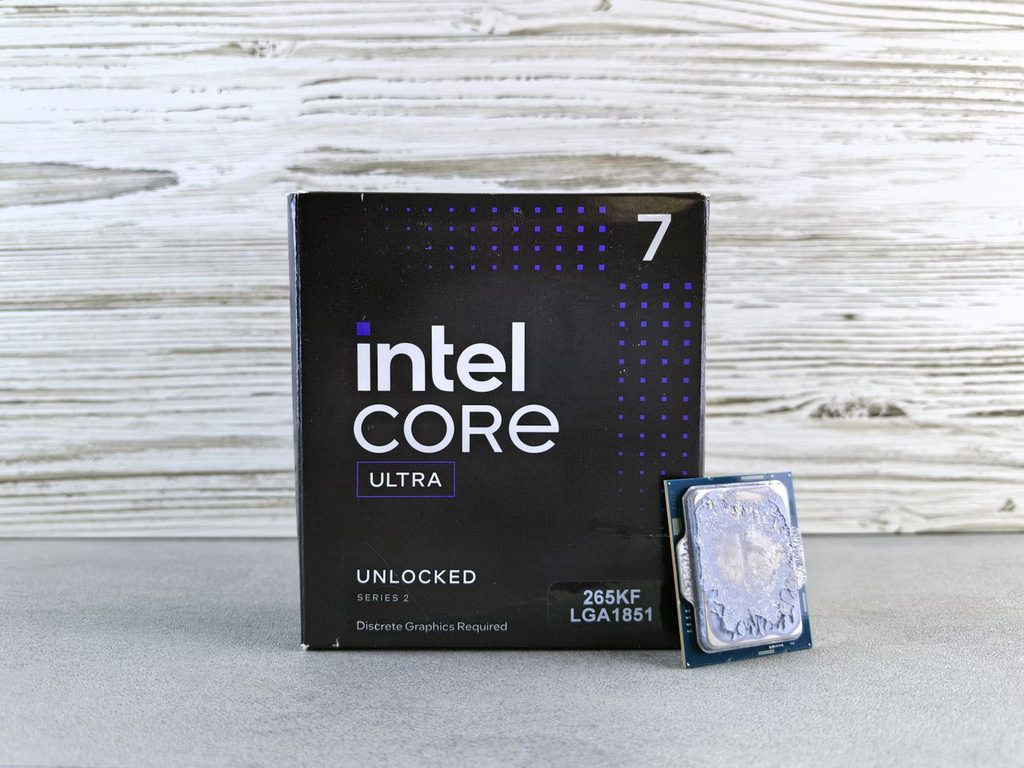
1. Key Specifications Comparison
To understand how these processor lines stack up, the baseline specifications across desktop and mobile form factors must be evaluated side-by-side.
| Specification | Intel Core i5 | Intel Core i7 |
| Typical Target Segment | Mainstream users, budget gamers, productivity workers | Enthusiasts, heavy multitaskers, content creators |
| Core Counts (Desktop) | Typically 4 to 6 Cores | Typically 6 to 8 Cores |
| Core Counts (Laptop) | 2 Cores (Ultra-low power) to 4–6 Cores | 4 Cores (Ultra-thin) to 6–8 Cores (Performance H-series) |
| Hyper-Threading Support | Model dependent (Historically limited on i5) | Broadly supported across most models |
| L3 Cache Size | Lower capacity (typically up to 12MB–16MB) | Higher capacity (frequently 16MB or higher) |
| Turbo Boost Speeds | Moderate max boost clocks | Higher max boost clocks |
| Integrated Graphics (iGPU) | Intel UHD / Iris Plus / Iris Xe | Intel UHD / Iris Plus / Iris Xe (often higher execution units) |
| Thermal & Power Envelope | Low to Mid TDP (e.g., 7W Y-series, 15W U-series, 65W–125W Desktop) | Mid to High TDP (higher sustained power draw) |
2. Detailed Performance Analysis
Evaluating the performance delta between a Core i5 and a Core i7 requires analyzing the specific hardware architectural parameters that drive workloads.
Core Architecture and Hyper-Threading
Physical core counts dictate a CPU’s structural multi-tasking capability. While both Core i5 and Core i7 offer quad-core and hexa-core variations depending on generation and power tier, Core i7 processors generally integrate higher physical core counts alongside Intel Hyper-Threading Technology.
Hyper-Threading creates virtual execution threads for each physical core, enabling two simultaneous processing streams per core. In heavily multithreaded environments—such as 4K video transcoding, multi-track audio rendering, and complex spreadsheet calculations—Hyper-Threading provides high performance scaling by reducing pipeline stall times. While a Core i5 without Hyper-Threading handles single-threaded applications efficiently, a Core i7 handles parallel software pipelines significantly faster.
Core i5 (Standard Execution):
[ Core 1: Thread A ] ──> Processing
[ Core 2: Thread B ] ──> Processing

Core i7 (Hyper-Threading Enabled):
[ Core 1: Thread A1 | Thread A2 ] ──> Dual Pipeline Processing
[ Core 2: Thread B1 | Thread B2 ] ──> Dual Pipeline Processing
Cache Sizes and Data Retrieval
Processor cache functions as an ultra-fast memory pool built directly onto the silicon die, sitting between the physical cores and system RAM. Core i7 processors regularly feature larger L3 cache allocations than their Core i5 counterparts.
- Impact on Multitasking: A larger cache allows the CPU to retain recurring computational frameworks and frequent data sets closer to the execution logic.
- Real-World Benefit: When switching between background tasks (like video encoding) and foreground applications (like a web browser), a larger cache keeps instructions pre-loaded, minimizing latency-heavy retrieval cycles from dynamic system RAM.
Clock Speeds & Turbo Boost Behavior
Both processor families feature Intel Turbo Boost Technology, dynamically increasing core operating frequencies above nominal base levels when thermal headrooms permit. Core i7 chips feature higher maximum single-core and all-core boost frequencies.
However, sustained boost behavior is heavily reliant on thermal management. In thin laptop chassis, a Core i7 may suffer thermal throttling quicker under prolonged loads, narrowing the actual performance gap to an equivalent Core i5. In well-cooled desktop setups, the higher power limits allow Core i7 chips to maintain peak boost clocks longer during complex rendering or high-frame-rate gaming.
Clock Speed Under Thermal Constraints:

Desktop / High-Cooling Setup:
i7 Boost: [-------------------- 4.8 GHz Sustained --------------------]
i5 Boost: [-------------- 4.2 GHz Sustained --------------]

Laptops / Thermal Constrained Setup:
i7 Boost: [--- 4.8 GHz Peak ---] ──Throttles──> [--- 3.5 GHz Sustained ---]
i5 Boost: [--- 4.2 GHz Peak ---] ──Throttles──> [--- 3.4 GHz Sustained ---]

Integrated Graphics Solutions
When running without a dedicated discrete graphics card (dGPU), integrated graphics processors (iGPUs)—such as Intel UHD, Iris Plus, and Iris Xe—manage visual output. While both CPU families offer these integrated graphics tiers, Core i7 variants often feature fully unlocked execution units and higher GPU clock speeds.
For basic display tasks, multi-monitor productivity, and media consumption, integrated solutions in both lines perform identically. For entry-level 3D gaming or GPU-accelerated video filters, Iris Xe on a Core i7 provides slightly smoother frame rates compared to lower-tier iGPUs, though neither replaces a standalone dGPU from NVIDIA or AMD for high-resolution gaming.
3. Pros and Cons Breakdown
Intel Core i5
Pros
- Superior Price-to-Performance: Delivers excellent value for standard productivity, office tasks, and casual gaming.
- Lower Thermal Output: Generates less heat on average, making it easier to cool in ultra-thin laptops and small-form-factor PCs.
- Power Efficiency: Generally consumes less energy under load, which can translate to better battery life in mainstream laptops.
- Sufficient for Gaming: Paired with a strong discrete GPU, modern Core i5 processors rarely bottleneck mid-tier gaming setups.
Cons
- Reduced Multi-Threaded Throughput: Lower thread counts slow down heavy content-creation workflows like 3D rendering.
- Smaller Cache Allocation: Less L3 cache can lead to slight performance dips in data-heavy or highly complex applications.
- Lower Maximum Boost Clocks: Misses out on the absolute peak single-threaded speeds reserved for high-tier silicon.
Intel Core i7
Pros
- High Multi-Tasking Performance: Hyper-Threading and higher core counts handle intensive background tasks and parallel processing easily.
- Larger L3 Cache: Significantly speeds up complex operations in software suites like Adobe Creative Cloud and CAD applications.
- Higher Clock Frequencies: Delivers maximum single-core and multi-core boost speeds for demanding software.
- Longer Performance Relevance: Higher specs help systems stay capable longer as software demands increase over time.
Cons
- Higher Price Point: Commands a premium price that may not deliver noticeable real-world gains for casual users.
- Increased Thermal Load: Produces more heat, requiring robust laptop cooling systems or aftermarket desktop coolers.
- Greater Power Consumption: Draws more power under load, which can reduce battery runtime in performance laptops.
4. Who Is This For?
                       ┌──────────────────────────────────┐
                       │     What is your main workload?  │
                       └────────────────┬─────────────────┘
                                        │
                    ┌───────────────────┴───────────────────┐
                    ▼                                       ▼
    ┌───────────────────────────────┐       ┌───────────────────────────────┐
    │ Basic / Mainstream Use:       │       │ Demanding Workloads:          │
    │ • Web, Office, Streaming      │       │ • 4K Video / 3D Rendering     │
    │ • 1080p Everyday Gaming       │       │ • Heavy Multi-Tasking         │
    │ • Budget-Conscious Setup      │       │ • High-FPS Enthusiast Gaming  │
    └───────────────┬───────────────┘       └───────────────┬───────────────┘
                    │                                       │
                    ▼                                       ▼
        ┌───────────────────────┐               ┌───────────────────────┐
        │   BUY INTEL CORE i5   │               │   BUY INTEL CORE i7   │
        └───────────────────────┘               └───────────────────────┘
Choose an Intel Core i5 if you are:
- Everyday Users & Office Workers: Primary tasks include web browsing, video streaming, document creation, and working in standard spreadsheets.
- Mainstream Gamers: Building or buying a mid-range gaming rig paired with a discrete graphics card where maximum GPU performance matters more than extreme CPU threads.
- Budget-Conscious Buyers: Seeking the best performance balance without paying a premium for computing headroom you may not use.
Choose an Intel Core i7 if you are:
- Content Creators & Digital Artists: Regularly running multi-threaded application suites for 4K video editing, audio production, animation, or structural modeling.
- Power Users & Enthusiasts: Keeping multiple high-resource programs, browser windows, and virtual environments running simultaneously without system slowdowns.
- High-Refresh-Rate Gamers: Aiming to maximize frame rates in CPU-bound competitive games alongside top-tier graphics hardware.
5. Final Verdict
The choice between an Intel Core i5 and a Core i7 comes down to aligning system capabilities with your daily requirements and budget.
The Intel Core i5 remains the overall value leader for most users. It provides all the horsepower needed for day-to-day productivity, multitasking, and mid-tier gaming without generating excessive heat or pushing system costs too high. For everyday computing, allocating savings toward more RAM, a faster SSD, or a better graphics card will yield a more noticeable performance improvement than upgrading to an i7.
Conversely, the Intel Core i7 is built for heavy computational workloads. If your workflow relies on multi-threaded performance—such as video rendering, compiling code, complex data analysis, or streaming high-end games—the extra cores, expanded cache, and Hyper-Threading capabilities justify the investment.