

PopAI Sheets Review: Is This AI Spreadsheet Tool Worth Using?
Table of Contents
AI Sheets
Introduction
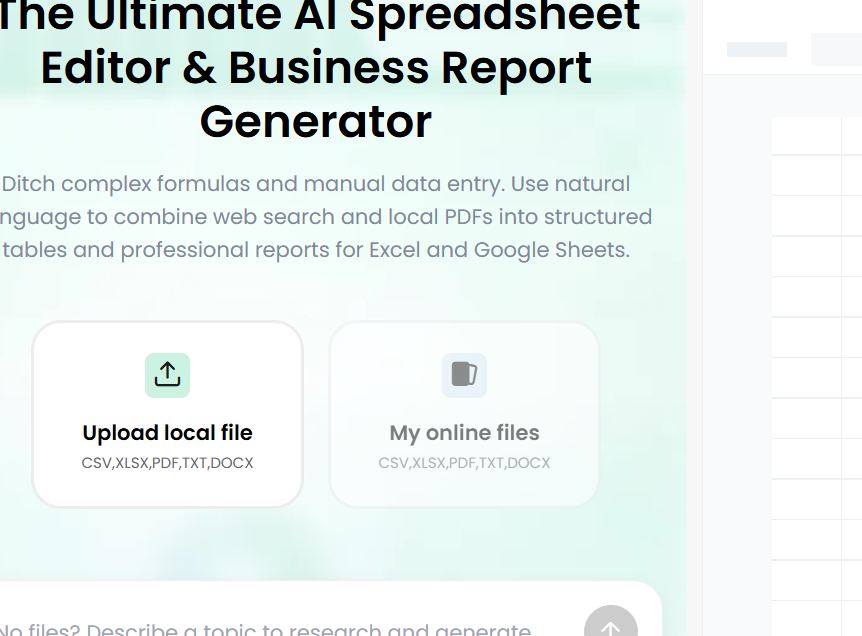
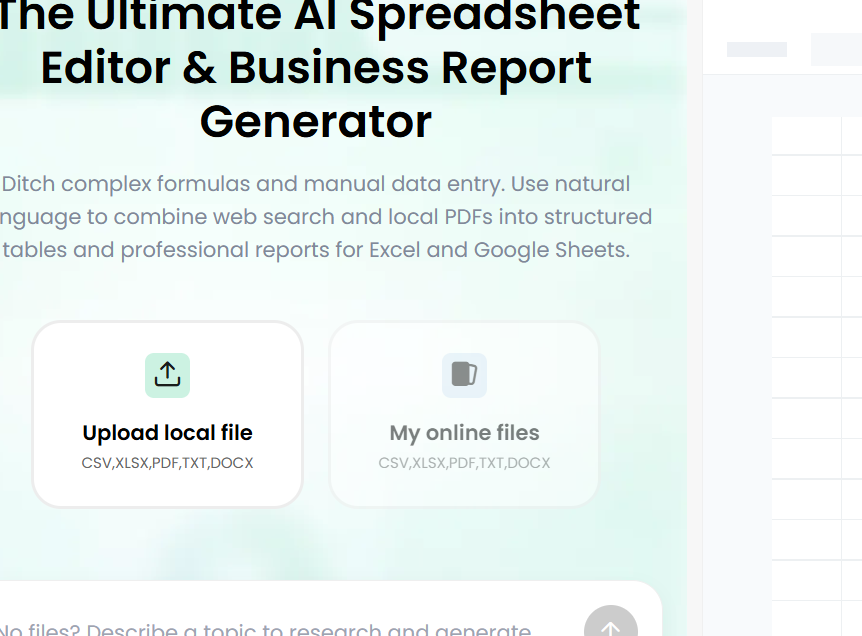
PopAI Sheets, available at https://sheets.popai.pro/, is an AI-powered spreadsheet tool designed to simplify data management, spreadsheet creation, and business reporting. It helps users transform unstructured information from PDFs, receipts, invoices, CSV files, and online sources into organized tables. Instead of manually entering information or struggling with complicated Excel formulas, users can describe their requirements in plain English and let AI assist with the work.
The platform targets professionals, students, researchers, freelancers, and small business owners who want to save time when working with data. However, its practical value depends on extraction accuracy, pricing, privacy, and how well its generated results meet individual needs.
Key Features of PopAI Sheets
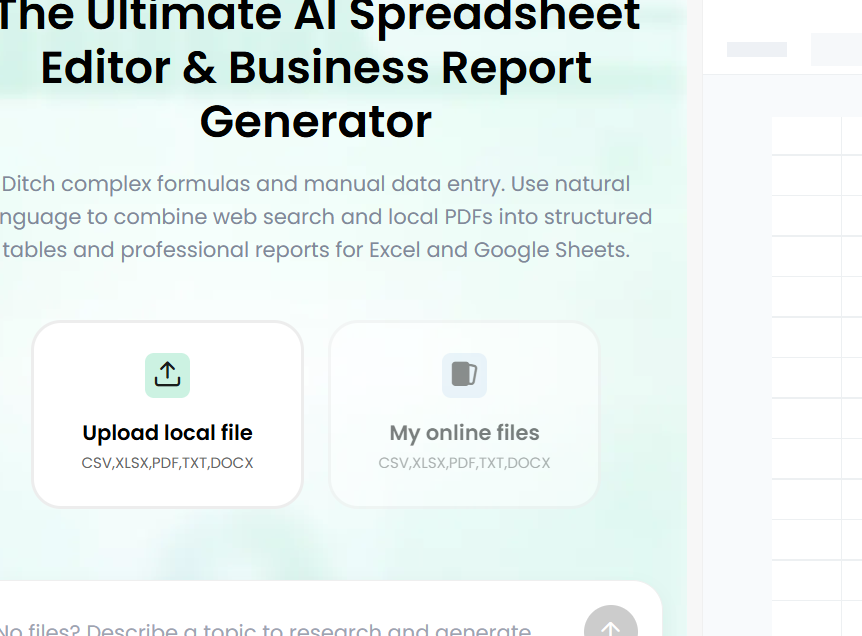
One of the platform’s main attractions is its natural-language spreadsheet assistance. Users can describe a task, such as calculating monthly expenses, comparing sales figures, organizing customer records, or creating a summary of financial information. The AI can help structure the data and generate appropriate spreadsheet calculations without requiring users to memorize complex formulas.
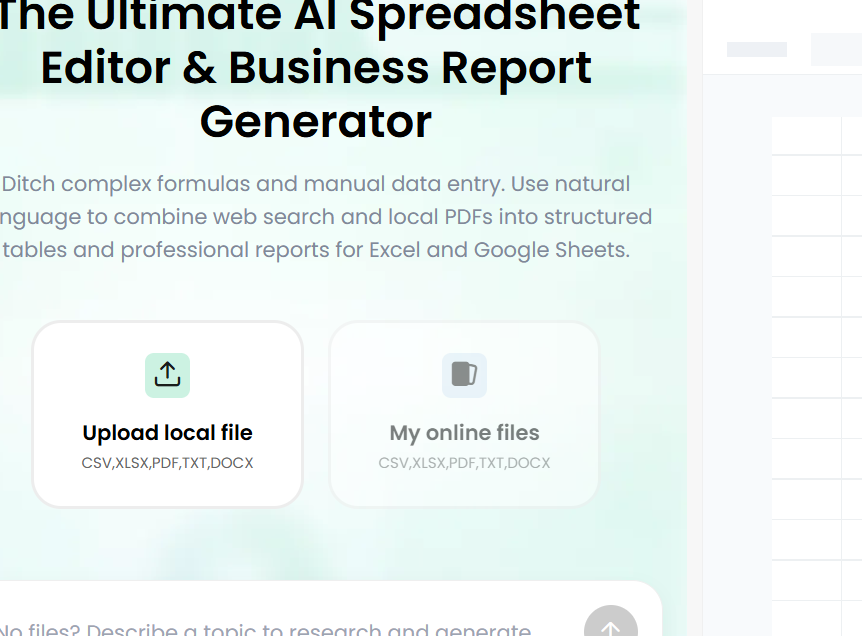
Another important feature is document extraction. Users can upload supported files, including PDFs and CSV documents, and request that relevant information be converted into structured tables. This could be especially useful for accountants processing invoices, students reviewing research papers, or businesses comparing information across multiple reports.
PopAI Sheets also advertises web research capabilities. By combining information gathered online with uploaded documents, users can build comparison tables, collect market information, and organize research findings in one workflow.
The platform further offers AI-assisted report generation. Once information has been organized, users can request written summaries that explain patterns, comparisons, or important findings. Export options for Excel and Google Sheets workflows make the resulting data more practical for everyday business and academic tasks.
Advantages of PopAI Sheets
The biggest advantage is convenience. Traditional spreadsheet work often involves several separate steps: opening documents, copying information, cleaning inconsistent formatting, entering formulas, checking calculations, and writing a report. PopAI Sheets aims to bring many of these tasks into a single workflow.
Its natural-language interface may also benefit beginners. People who understand what they want to calculate but lack advanced spreadsheet skills can use everyday language to request assistance. This lowers the learning barrier and could make spreadsheet analysis more accessible to nontechnical users.
Document processing is another potential strength. Extracting information from lengthy reports or numerous invoices can consume considerable time when performed manually. Automating the initial extraction and organization may allow users to focus more attention on interpreting the information.
Report generation provides additional value for users who regularly prepare summaries for managers, clients, colleagues, or teachers. Instead of starting from a blank page, users can generate a preliminary explanation from their organized data and then edit it to suit their needs.
Finally, the browser-based approach makes the service accessible without requiring users to install a separate desktop spreadsheet application.
Disadvantages and Limitations
Despite these advantages, PopAI Sheets has limitations worth considering. First, AI-generated spreadsheet content is not guaranteed to be correct. A document extraction system can overlook a row, misinterpret a heading, confuse totals with subtotals, or assign a value to the wrong column. Users should verify important calculations and extracted figures against their original sources.
The platform’s claim of “100% hallucination-free” extraction should therefore be treated cautiously. Source-based verification can reduce unsupported answers, but it does not establish perfect accuracy under every circumstance.
Second, pricing transparency deserves attention. Publicly available reviews have reported different pricing information, and the cost of using the service may depend on the selected plan and usage allowances. Prospective customers should check the current checkout page, generation limits, renewal terms, and cancellation conditions before purchasing.
Another limitation is the lack of extensive independently verifiable performance data. Positive testimonials and promotional descriptions can indicate intended benefits, but they do not replace standardized testing across different file types and data complexities.
Users who require extensive collaboration, advanced spreadsheet modeling, strict audit trails, or specialized business integrations should also confirm that the platform supports their particular requirements.
Pricing and Value for Money
PopAI Sheets offers trial credits for users who want to explore its capabilities before committing to a paid plan. Third-party reporting has listed Plus and Pro subscriptions, but prices and usage limits should be verified directly because they may change.
The service is most likely to justify its cost for people who regularly process large numbers of documents or prepare recurring reports. Saving time on repetitive administrative work can provide meaningful value when those savings exceed the subscription expense.
However, occasional spreadsheet users may find a dedicated paid tool unnecessary. Microsoft Excel, Google Sheets, and their available AI-assisted features may already cover many basic calculations, formatting tasks, and data-management needs.
Before upgrading, test representative files and calculate the cost per useful result rather than judging the service solely by its advertised features.
Security and Privacy Considerations
Privacy is particularly important when uploading invoices, financial reports, customer lists, or employee records. Before using PopAI Sheets for sensitive information, review its current privacy policy, data-retention practices, file-deletion options, and terms governing the processing of uploaded content.
Business users should avoid uploading confidential information until they have established that the platform meets their organization’s security and compliance requirements. Removing unnecessary personal identifiers before uploading files is another sensible precaution.
Who Should Use PopAI Sheets?
PopAI Sheets may be useful for freelancers organizing expenses, small businesses processing invoices, students comparing research findings, researchers extracting information from documents, and professionals preparing data-driven reports.
It is less compelling for people who already work efficiently with conventional spreadsheets or need highly specialized analytical functionality. Users handling critical financial, legal, or operational information should maintain appropriate human review regardless of how confidently the AI presents its results.
Final Verdict
PopAI Sheets presents a promising approach to spreadsheet automation by combining natural-language instructions, document extraction, web research, and report generation. Its strongest potential benefit is reducing repetitive work and making data analysis easier for users without advanced spreadsheet skills.
Nevertheless, questions about real-world accuracy, subscription value, and independently verified performance remain important. Its marketing claims should not be mistaken for guarantees, and sensitive information deserves careful handling.
Overall, PopAI Sheets is worth considering as a productivity assistant, particularly for people who frequently convert documents into structured data. Start with the available trial, test the results against known information, and confirm the current pricing before upgrading. If it consistently saves time without introducing unacceptable errors, it could become a useful addition to your workflow. Otherwise, established spreadsheet applications may offer sufficient functionality at a lower additional cost.