

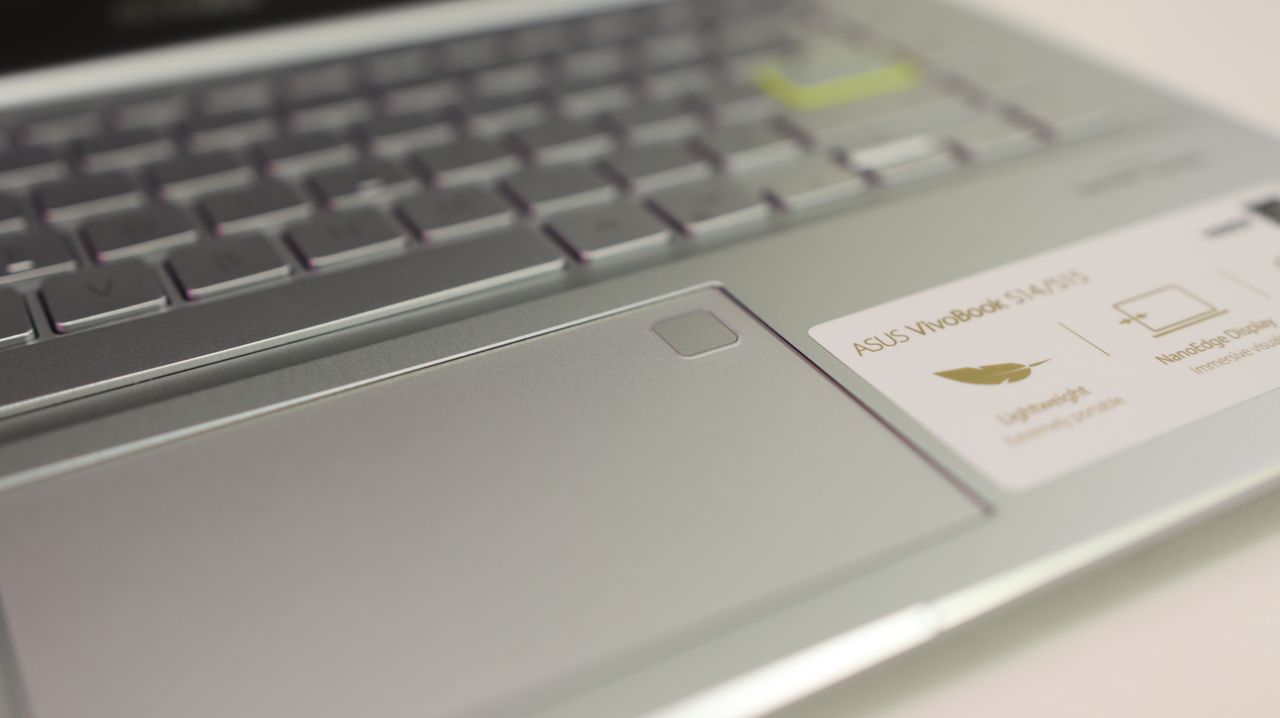
Asus Vivobook S14 (Q423) review: A few surprising strengths and one critical flaw
Review: Asus Vivobook S14 (Q423) – A Mid-Range Ultraportable with High Endurance and Mixed Performance
Table of Contents
The mid-tier laptop market demands trade-offs, but finding the right balance of compromise remains tricky. The Asus Vivobook S14 (Q423) highlights this balance by pairing remarkable battery longevity and decent integrated graphics with underpowered processing speeds. While it delivers excellent daily usability, its benchmark limitations raise valid questions about its overall value.
At a Glance
| Feature | Details |
| Starting Price | $949 USD |
| Processor | Intel Core Ultra 5 226V (“Lunar Lake”) |
| Graphics | Intel Arc Integrated Graphics |
| Memory & Storage | 16GB RAM / 512GB SSD |
| Display | 14-inch, 1920 x 1200 OLED |
| Battery Life | 17 hours, 40 minutes |
| Weight | 2.87 lbs (1.3 kg) |
Pros
- Exceptional Endurance: Delivers nearly 18 hours of continuous use on a single charge.
- Capable Casual Gaming: Outperforms competing integrated GPUs in mid-tier gaming tasks.
- Ergonomic Controls: Features an excellent typing feel and an expansive multi-gesture touchpad.
- Modern Aesthetic: Sleek, lightweight, all-metal chassis with high portability.
Cons
- Underwhelming Processing Power: Benchmark performance trails closely priced competitors.
- Prone to Smudging: The matte dark chassis collects fingerprints rapidly.
- Acoustic Muffling: Bottom-firing speaker configuration limits audio clarity on soft surfaces.
Design and Build Quality
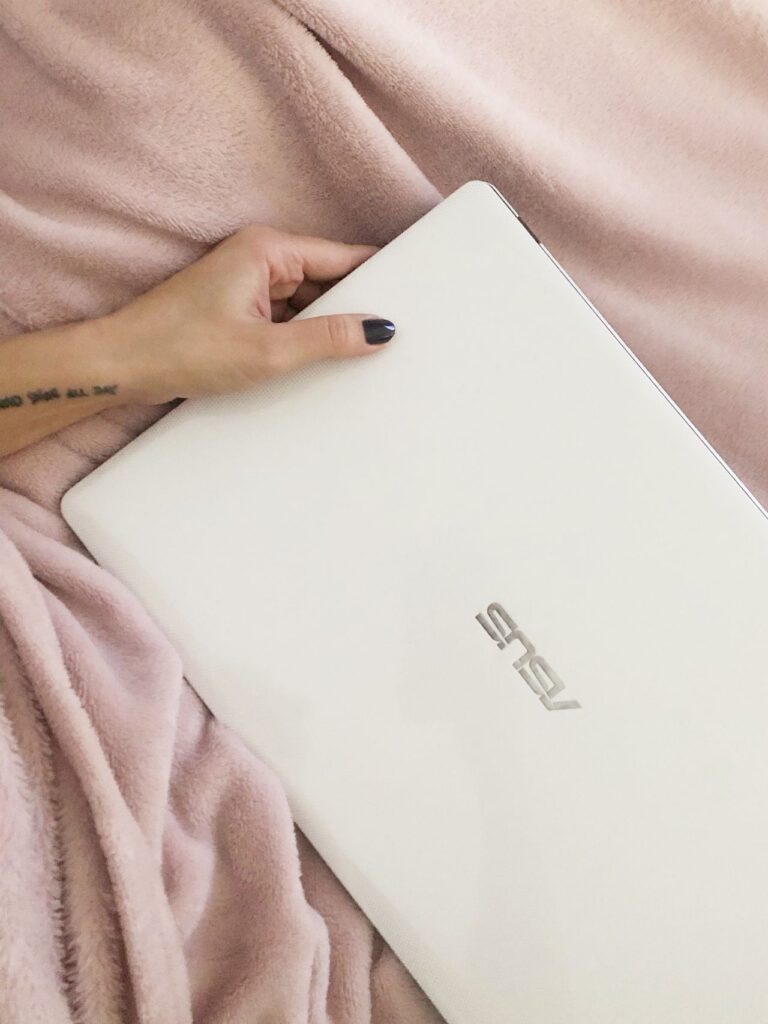
Visually drawing inspiration from higher-end lines like the Asus ProArt series, the Vivobook S14 features an all-metal matte black body with clean lines and an understated aesthetic. Measuring just 0.55 inches thick and weighing 2.87 pounds, it is effortless to carry.
The primary physical drawback is how easily the matte finish attracts surface oil and fingerprints, requiring frequent wiping down to maintain its clean look.
Port Layout Breakdown:
[Left Side]  -> 2x Thunderbolt 4 (USB-C), 1x HDMI 2.1, 1x 3.5mm Audio
[Right Side] -> 2x USB 3.2 Gen 1 (USB-A), 1x MicroSD Reader
The port selection is unusually generous for a slim 14-inch laptop, removing the immediate need for external dongles.
Keyboard, Touchpad, and Display
Typing & Navigation
- Key Travel & Layout: Well-spaced keys with tactile response make extended typing comfortable. White backlighting adds clarity.
- Minor Quirk: The power key is positioned directly in the top row between Print Screen and Delete, making accidental presses possible.
- Touchpad Features: The large 5.3 x 3.5-inch trackpad includes built-in gesture controls, such as swiping the left edge to alter audio volume.
OLED Visual Quality
The 14-inch $1920 \times 1200$ OLED display delivers vibrant colors, high contrast, and crisp text rendered sharply for media consumption and browsing. While the gloss finish produces noticeable reflection under strong lighting, the overall picture quality remains rich and well-calibrated.
Performance & Thermal Management
The Vivobook S14 runs on the Intel Core Ultra 5 226V chip. While everyday activities—multitasking across multiple browser tabs, streaming high-resolution video, and document editing—run smooth and quiet, heavy processing workloads reveal structural limits.
Benchmark Comparison
| Benchmark Test | Vivobook S14 (Ultra 5) | Apple MacBook Air (M3) | Lenovo Yoga Slim 7X (Snapdragon) |
| Geekbench 6 (Overall) | 10,160 | 12,087 | 13,750 |
| Handbrake Encoding (MM:SS) | 6:53 | 7:40 | 5:16 |
| Battery Run Time | 17:40 | 15:13 | 14:13 |
Under heavy synthetic workloads, surface heat accumulates near the top ventilation grill (reaching ~102°F), exceeding typical comfort thresholds. However, during light daily productivity, the device remains quiet and cool.
Integrated Graphics & Gaming Capability
Despite mid-tier CPU scores, the integrated Intel Arc GPU provides pleasant performance surprises in light-to-moderate gaming.
Gaming Test: In Sid Meier’s Civilization VI: Gathering Storm (1080p, Medium Settings), the Vivobook S14 maintained an average frame rate of 51.4 FPS, outpacing many direct ultraportable rivals in its class. Lightweight 3D indie titles run smoothly at native resolution without serious frame drops.
Battery Life & AI Capabilities
- Battery Performance: Clocking in at 17 hours and 40 minutes on standardized tests, the Vivobook S14 easily lasts through a full work or study day, often stretching into a second day without requiring the charger.
- Copilot+ Features: As an Intel-based Copilot+ platform, it includes a dedicated keyboard key to launch Microsoft’s AI assistant, along with hardware support for live captions, background video enhancement, and local generative processing tools.
The Bottom Line
The Asus Vivobook S14 (Q423) excels in battery longevity, input ergonomics, and casual graphical capability. However, its CPU processing power falls behind similarly priced alternatives like the M3 MacBook Air or Snapdragon-powered Windows options.
If long battery life, light gaming flexibility, and a compact design top your list, the Vivobook S14 is a dependable choice—especially if found at a discount. Users who require heavy video editing or intensive computational power, however, may want to consider alternative options in the $900–$1,000 range.