

FileViewerPlus.com Review: Features, Benefits, Drawbacks, and Overall Value
Writing
Table of Contents
Introduction
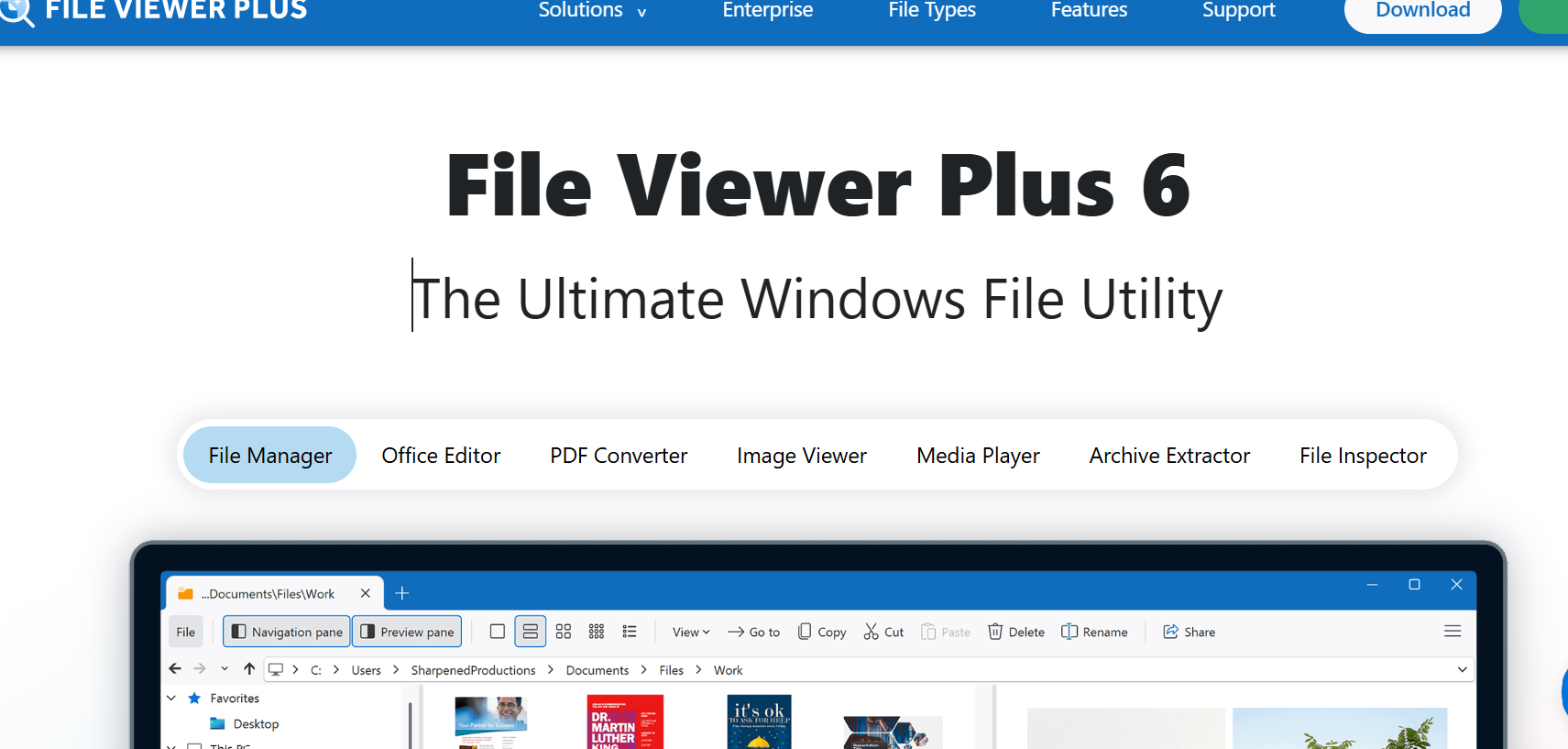
FileViewerPlus.com is the official website of File Viewer Plus, a Windows application developed by Sharpened Productions. The software is designed to help users open, view, edit, save, and convert different types of files using a single program. It supports more than 400 file formats, including documents, spreadsheets, images, audio files, videos, compressed archives, and other specialized file types.
In today’s digital environment, people frequently encounter files that cannot be opened with their existing applications. Installing separate programs for every format can be inconvenient and time-consuming. File Viewer Plus aims to address this problem by offering a centralized solution for everyday file management. But is it worth using? This review examines its main features, usability, pricing, advantages, and limitations.
Key Features and Functionality
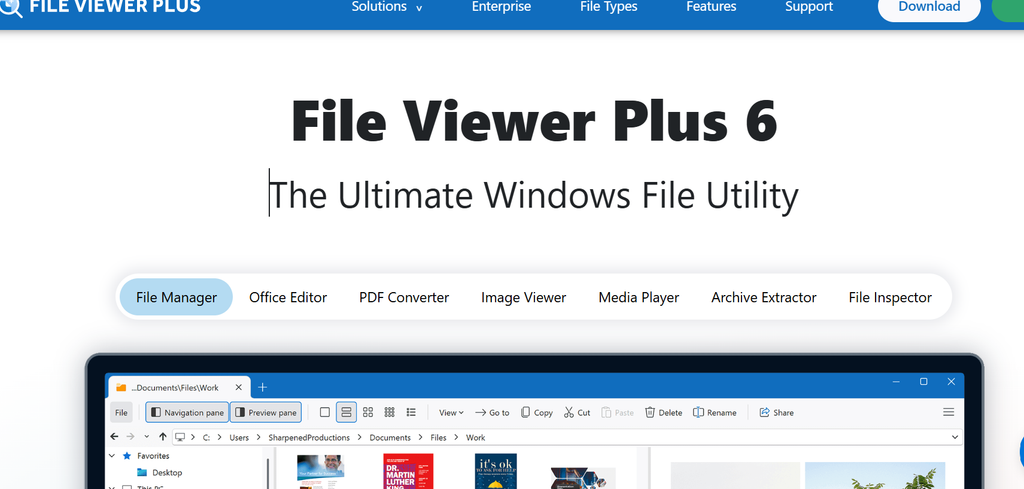
One of the most attractive features of File Viewer Plus is its extensive format compatibility. The application supports common Microsoft Office formats, including DOCX, XLSX, and PPTX, alongside PDFs, image files, media formats, and compressed archives. This broad compatibility makes it useful for students, office workers, freelancers, and professionals who regularly work with different types of documents.
The software also includes editing capabilities. Users can modify supported Word documents and spreadsheets rather than simply viewing them. Its image-editing tools provide additional flexibility, while the media player allows users to preview audio and video files without necessarily installing dedicated playback applications.
Another useful feature is batch conversion. Instead of converting files individually, users can process multiple files together, potentially saving considerable time when handling large collections of documents or images. The application also provides file information and metadata tools, which can help users understand a file’s properties and identify unfamiliar formats.
The software can attempt to identify files that it does not fully support. However, identifying an unfamiliar file does not guarantee that its contents can be opened or edited successfully.
Ease of Use and User Experience
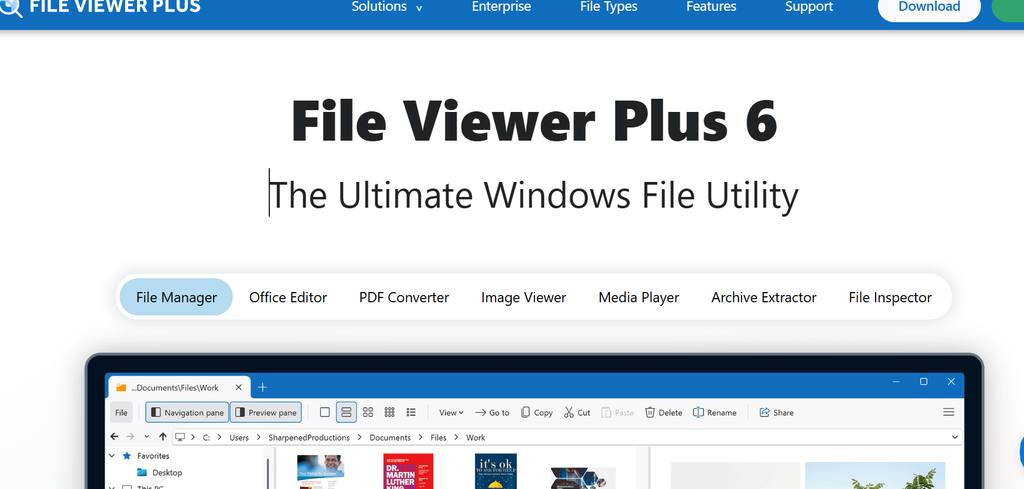
File Viewer Plus is designed to simplify file handling by bringing several functions into one desktop application. Instead of switching between a document editor, image viewer, media player, and archive utility, users can access many of these capabilities through a single interface.
This integrated approach can be particularly beneficial for people who regularly receive email attachments or work with documents from different sources. Its file-management tools also allow users to browse, organize, and preview files more conveniently.
However, the overall experience depends on the file formats being used and the complexity of the tasks involved. Users who need advanced spreadsheet formulas, professional image manipulation, or specialized video-editing functions may still require dedicated software. Compatibility with a format should not automatically be interpreted as feature-for-feature equivalence with the original application.
Pricing and Licensing
File Viewer Plus offers a 14-day trial that allows users to evaluate its features. After the trial expires, users must purchase a license to continue using the software. The developer offers a one-time purchase option for a particular version and an annual subscription option for users who prefer ongoing access to future releases.
The one-time purchase includes updates within the relevant version series, while the subscription provides access to future software releases under the applicable terms. The developer also offers a refund window of 30 days for eligible purchases made through its website. Buyers should review the current terms before purchasing because licensing and refund conditions can vary by purchasing channel.
Although the trial is helpful for evaluating compatibility, potential customers should compare the purchase cost with free alternatives and the applications they already own.
Advantages of FileViewerPlus.com
The biggest advantage is convenience. Supporting hundreds of file formats through one application can reduce the need to download multiple utilities. This is particularly helpful when dealing with uncommon file extensions or attachments received from clients and colleagues.
The batch-conversion feature is another significant benefit. People who routinely process large numbers of files may appreciate the ability to convert them together rather than repeating the same operation manually.
Additional advantages include document and spreadsheet editing, image tools, archive extraction, media playback, and access to file metadata. The software also supports modern Windows systems, including Windows 10 and Windows 11, and provides options for individual users and organizations.
The availability of a trial allows users to test important workflows before committing financially. This is a practical way to determine whether the application supports their specific files and performs adequately on their computers.
Disadvantages and Limitations
Despite its extensive functionality, File Viewer Plus is not necessarily the best choice for everyone. Its most obvious limitation is platform compatibility: it is primarily a Windows desktop application rather than a universal solution for macOS, Linux, Android, and iOS.
Another consideration is cost. Users who only need to open PDFs, view images, or extract ZIP archives may find that free applications already meet their requirements. Paying for an all-in-one tool makes more sense when its broader capabilities will be used regularly.
Additionally, supporting more than 400 formats does not mean every format will offer complete editing, conversion, or playback functionality. Specialized file types may have limitations, and converted documents can require manual formatting adjustments.
Finally, users handling confidential business documents should examine the privacy policy, license agreement, and security documentation before installing software or processing sensitive information. They should also download installers from the official website and keep their operating systems protected.
Is FileViewerPlus.com Legitimate and Safe?
FileViewerPlus.com presents itself as the official website of a commercial software developer, Sharpened Productions. Its published documentation includes support resources, licensing information, company details, and purchasing terms. Some third-party website assessments also report positive trust indicators, although automated trust scores cannot guarantee that every download or transaction is risk-free.
As with any downloadable application, users should verify the website address, avoid unofficial download mirrors, and use reputable security software. Organizational users should conduct their own software approval and privacy checks before deploying the application across company computers.
These precautions are sensible for any desktop utility and should not be interpreted as evidence of a specific security problem.
Final Verdict
Overall, FileViewerPlus.com offers access to a versatile Windows utility that combines file viewing, editing, conversion, and management in one application. Its extensive format support and batch-processing capabilities are its strongest selling points, particularly for professionals who regularly encounter unfamiliar files.
Its main disadvantages are the paid licensing model, Windows-only availability, and the fact that specialized applications may still be necessary for demanding tasks.
Final rating: 4 out of 5 stars.
File Viewer Plus is worth considering for users who value convenience and need to work with many file formats. However, occasional users may be better served by free alternatives. The best approach is to use the trial period to test the file types and features that matter most before purchasing a license.