


How to Extend Your Electronics’ Battery Life: Science-Backed Tips
Table of Contents
✓
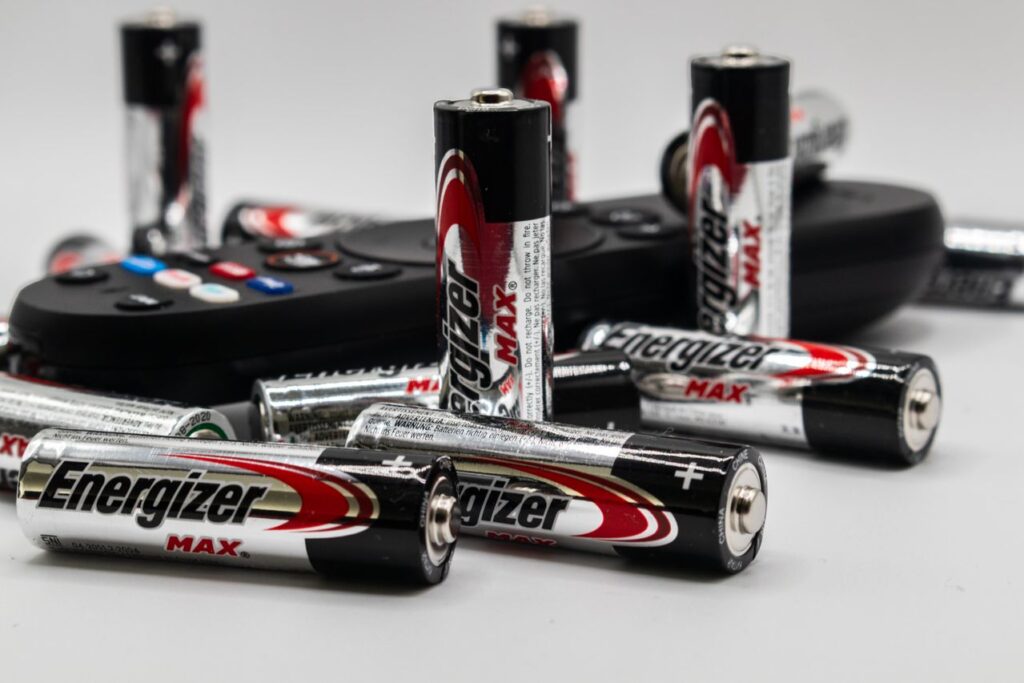
Your smartphone dies halfway through the day. Your wireless earbuds need charging just when you need them most. Your laptop’s battery no longer lasts anywhere near as long as it did when you bought it.
Sound familiar?
Modern electronics rely heavily on rechargeable lithium-ion batteries, and while these batteries have become remarkably capable, they don’t last forever. The good news is that everyday charging habits, temperature management, and power settings can significantly influence how quickly a battery ages.
The goal isn’t to obsess over every percentage point. Instead, it’s to understand what stresses a battery—and make a few simple changes that reduce unnecessary wear.
Why Batteries Lose Capacity
Most phones, tablets, laptops, cameras, headphones, and other portable electronics use lithium-ion or lithium-polymer batteries.
Every charge and discharge involves chemical reactions inside the battery. Over time, some of those reactions create permanent changes in the battery’s materials, reducing the amount of energy it can store.
Two types of aging matter:
- Cycle aging: Battery capacity gradually declines as the battery goes through repeated charging and discharging.
- Calendar aging: Batteries also degrade simply with time, even when they’re not being heavily used.
How you use and store a device can accelerate—or slow—both processes.

1. Keep Your Battery Away From Extreme Heat
If there’s one battery-care rule worth remembering, it’s this:
Heat is one of a lithium-ion battery’s biggest enemies.
High temperatures accelerate unwanted chemical reactions inside the battery. Repeated exposure to excessive heat can permanently reduce battery capacity.
For example, leaving a smartphone on a car dashboard on a hot summer day can expose its battery to conditions far harsher than normal indoor use.
What you can do
- Don’t leave electronics in hot cars.
- Keep devices out of direct sunlight for extended periods.
- Remove thick cases temporarily if a device becomes unusually hot while charging.
- Avoid intensive gaming or other processor-heavy activities while charging if the device is getting very hot.
- Don’t charge a hot device immediately after exposing it to extreme heat; let it cool naturally first.
Practical example: If your phone becomes noticeably warm while gaming, plugging it into a charger and continuing to play can increase heat generation. Taking a break while it charges can be kinder to the battery.
2. You Don’t Need to Drain the Battery to Zero
One of the most persistent battery myths is that you should regularly run a lithium-ion battery completely empty before recharging it.
That’s generally unnecessary.
Modern lithium-ion batteries don’t require the old-fashioned “memory effect” management associated with some older rechargeable battery technologies. Deep discharges can actually place additional stress on lithium-ion cells.
Instead of waiting until your device reaches 1% or shuts down, consider charging it when convenient.
A simple example
Suppose your phone is at 30% before a long trip.
You don’t have to wait until it reaches 5% before plugging it in. A short charge before leaving can reduce the likelihood of a deep discharge.
Think of shallow, convenient charging rather than deliberately emptying the battery.
3. Avoid Keeping the Battery at 100% for Long Periods
Here’s where battery care gets more nuanced.
Charging to 100% isn’t inherently bad—your device is designed to do it. However, keeping a lithium-ion battery at a very high state of charge for prolonged periods can contribute to chemical aging, particularly when combined with heat.
That’s why many manufacturers now provide features such as:
- Optimized Charging
- Adaptive Charging
- Battery Protection
- Charge Limits
- Optimized Battery Charging
Some devices can learn your charging routine and delay the final portion of charging until closer to when you’re likely to need the device.
When should you use a charge limit?
If your laptop or phone supports an 80% charge limit and you spend most of your day near a charger, enabling it can be a sensible choice.
If you’re about to travel or spend a long day away from an outlet, charging to 100% is perfectly reasonable.
The goal isn’t to avoid 100% at all costs. It’s to avoid unnecessary time spent at extreme states of charge.
4. Don’t Obsess Over the Exact Percentage
Battery advice sometimes becomes unnecessarily complicated: “Never charge above 80%!” “Never let it fall below 20%!”
These rules are useful as general guidelines, but they’re not laws of physics.
Battery degradation depends on several interacting factors, including:
- Temperature
- Time
- Charge level
- Charging current
- Usage patterns
- Battery design
- Device software
- Number and depth of charge cycles
So don’t stress if your phone occasionally reaches 100% or drops to 10%.
A practical approach is simply to avoid repeatedly combining extremes—such as very low charge, very high charge, and high temperature.
5. Use Your Device’s Built-In Battery Protection
Modern electronics increasingly automate battery management.
Your device may monitor temperature, charging speed, battery voltage, and usage patterns to protect the battery.
Look through your device’s battery settings for features such as:
- Optimized charging
- Adaptive charging
- Maximum charge limits
- Low-power modes
- Battery health monitoring
- Background activity controls
These features exist because manufacturers recognize that battery longevity is partly a software problem as well as a hardware problem.
Best practice: If your device offers an intelligent charging or battery-protection feature, there’s usually little reason not to use it.
6. Fast Charging: Convenient, But Manage the Heat
Fast charging has transformed how people use electronics. A short charging session can provide hours of additional runtime.
The trade-off is that high charging power can produce more heat.
That doesn’t mean fast charging is automatically harmful. Devices are engineered with charging-management systems that regulate power and temperature. However, repeated high-temperature charging can contribute to faster battery aging.

A sensible strategy
Use fast charging when you need it.
When you’re charging overnight or aren’t in a hurry, slower charging may generate less heat depending on the device and charger.
In other words:
Fast charging is a convenience feature—not something you need to fear.
7. Use the Right Charger and Cable
Cheap or poorly designed charging accessories can create unnecessary risks.
Use chargers and cables that meet your device’s specifications and come from reputable manufacturers. Modern devices typically communicate with compatible chargers to determine how much power can safely be delivered.
Avoid damaged cables, loose connectors, or chargers that become abnormally hot.
If a charger or cable appears damaged, replacing it is a much better option than trying to get a few more months of use from it.
8. Reduce Unnecessary Power Consumption
Battery longevity isn’t only about charging habits. How quickly you consume energy matters too.
Features such as high screen brightness, constant GPS use, background synchronization, demanding games, and high-performance processing can dramatically increase power consumption.
Reducing unnecessary consumption means fewer charging cycles over the long term.
Try these simple adjustments:
- Lower screen brightness when practical.
- Use automatic brightness.
- Turn off unnecessary location services.
- Restrict background activity for apps you rarely use.
- Use Wi-Fi when appropriate.
- Enable battery-saving modes when you don’t need maximum performance.
- Close or uninstall unusually power-hungry apps when they’re genuinely unnecessary.
Example
Imagine two identical phones.
Phone A is regularly used at maximum brightness with GPS and high-performance applications running throughout the day.
Phone B uses moderate brightness, limits unnecessary background activity, and activates battery-saving features when appropriate.
Phone B may require fewer charging cycles over time, potentially reducing cumulative battery wear.
9. Don’t Store Electronics Completely Empty
If you’re putting a laptop, camera, tablet, or other rechargeable device away for several months, don’t store it completely discharged.
Lithium-ion batteries slowly lose charge during storage. If the battery remains deeply discharged for an extended period, it can enter an excessively low-voltage state that may cause problems.
For long-term storage, a moderate charge level is generally preferable to storing a battery at either 0% or 100%.
Also keep the device somewhere cool and dry.
For example, don’t leave a spare camera with a depleted battery inside a hot attic for an entire summer.
10. Understand What “Battery Cycles” Really Mean
A battery cycle isn’t necessarily one trip from 100% to 0%.
Instead, a cycle generally represents cumulative energy usage equivalent to 100% of the battery’s capacity.
For example:
- Day 1: You use 50%.
- You recharge.
- Day 2: You use another 50%.
Together, those two periods represent roughly one full cycle.
This matters because occasional charging isn’t necessarily “using up a cycle” every time you connect your charger.
You can therefore charge your device in smaller increments without worrying that every plug-in counts as a complete cycle.
11. Replace the Battery Instead of the Device—When Possible
Eventually, every rechargeable battery wears out.
A battery that once lasted 10 hours might eventually last only 6 or 7. That doesn’t necessarily mean the entire electronic device is obsolete.
If the product supports battery replacement, replacing the battery can extend the useful life of the device considerably.
This can also reduce electronic waste.
Before replacing an older phone, laptop, tablet, or camera solely because its battery has degraded, check whether the manufacturer or a qualified repair provider offers battery replacement.
What Experts and Research Tell Us
Battery scientists generally agree on the major factors that accelerate lithium-ion degradation: high temperature, prolonged exposure to high states of charge, deep discharge, and repeated cycling all influence battery aging.
However, battery longevity isn’t governed by a single magic charging percentage.
Battery-management systems are designed to balance performance, safety, convenience, and longevity. That’s why modern devices can safely charge rapidly, operate across a wide range of battery levels, and automatically modify charging behavior.
The practical lesson is important:
Don’t turn battery maintenance into a daily ritual.
Use intelligent charging features, avoid excessive heat, don’t deliberately drain the battery to zero, and charge when convenient.
A Simple Battery-Life Routine
If you want a straightforward system, follow these five rules:
- Keep electronics cool, especially while charging.
- Charge when convenient rather than deliberately draining to 0%.
- Use optimized charging or charge-limit features when available.
- Use fast charging when you need it, but avoid unnecessary heat.
- Replace worn batteries when that’s more practical than replacing the entire device.
That’s enough for most people.
The Bottom Line
Extending battery life isn’t about following a rigid 20%-to-80% ritual every day. It’s about reducing the conditions that accelerate battery degradation.
Keep your electronics away from excessive heat. Avoid prolonged periods at extreme charge levels when practical. Take advantage of built-in battery-management features. Use reputable charging equipment, and don’t panic when your battery occasionally reaches 100% or falls below 20%.
Most importantly, remember that batteries are consumable components. Even with excellent care, their capacity will eventually decline.
Your action plan: Check your phone, laptop, tablet, and other frequently used electronics today. Turn on optimized charging or a sensible charge limit if available, identify any device that regularly overheats, and review which accessories you use for charging. A few small changes now can help your electronics remain useful—and their batteries healthier—for longer.