

Pre-Built vs. Custom PC: Which One Should You Buy?
Table of Contents
Buying a new PC can feel surprisingly complicated. Should you choose a ready-to-use pre-built computer, or select every component and build a custom machine yourself?
The answer depends less on which option is universally “better” and more on what you value: price, performance, convenience, upgradeability, support, or personalization.
For gamers, students, professionals, content creators, and everyday users, both approaches can make sense. Intel’s own comparison notes that custom and DIY systems offer substantially more hardware configuration flexibility, while pre-built systems can save time through assembly, operating-system installation, and customer support. Intel
So, which should you buy? Let’s break it down.
What Is a Pre-Built PC?
A pre-built PC is assembled by a manufacturer or system integrator before you purchase it. The company selects compatible components, builds the computer, installs the operating system, tests the machine, and ships it ready to use.
Examples include desktops from brands such as Dell, HP, Lenovo, MSI, ASUS, and other system builders.
For example, current Alienware Aurora configurations can combine a high-end Intel processor, NVIDIA graphics card, DDR5 memory, NVMe storage, a 1000W power supply, and liquid cooling in a single professionally assembled system. Buyers can also select support and warranty options. Dell+1
Advantages of a Pre-Built PC
1. Convenience
The biggest advantage is simple: you don’t have to build it.
Connect the monitor, keyboard, mouse, and power cable, complete the Windows setup, install your applications, and you are ready to work or play.
2. One point of support
If something goes wrong, you generally contact the system manufacturer rather than determining whether the problem is the motherboard, RAM, graphics card, power supply, or another component.
This can be particularly valuable for first-time PC buyers.
3. Professional assembly and testing
A reputable manufacturer has already assembled and tested the machine. That removes many of the common challenges associated with a first DIY build.
4. Warranty options
Pre-built manufacturers often provide system-level warranty and support packages. For example, Dell currently offers multiple warranty and support durations on Alienware desktops, including basic and premium support options. Dell
Disadvantages of a Pre-Built PC
The convenience can come with compromises.
Some manufacturers may use proprietary components, limited cooling solutions, or less-expensive parts in areas that are not immediately obvious from the headline specifications.
For example, a computer advertised with a powerful processor and graphics card may have relatively modest storage or memory. Other systems may use cases, motherboards, or power supplies that make future upgrades more difficult.
Don’t judge a pre-built PC by its CPU and GPU alone.
Before buying, check:
- Exact processor model
- Exact graphics-card model
- RAM capacity and configuration
- SSD type and capacity
- Power-supply wattage and rating
- Motherboard specifications
- Cooling system
- Number of available RAM and storage slots
- Case dimensions and airflow
- Upgrade limitations
- Warranty terms
What Is a Custom PC?
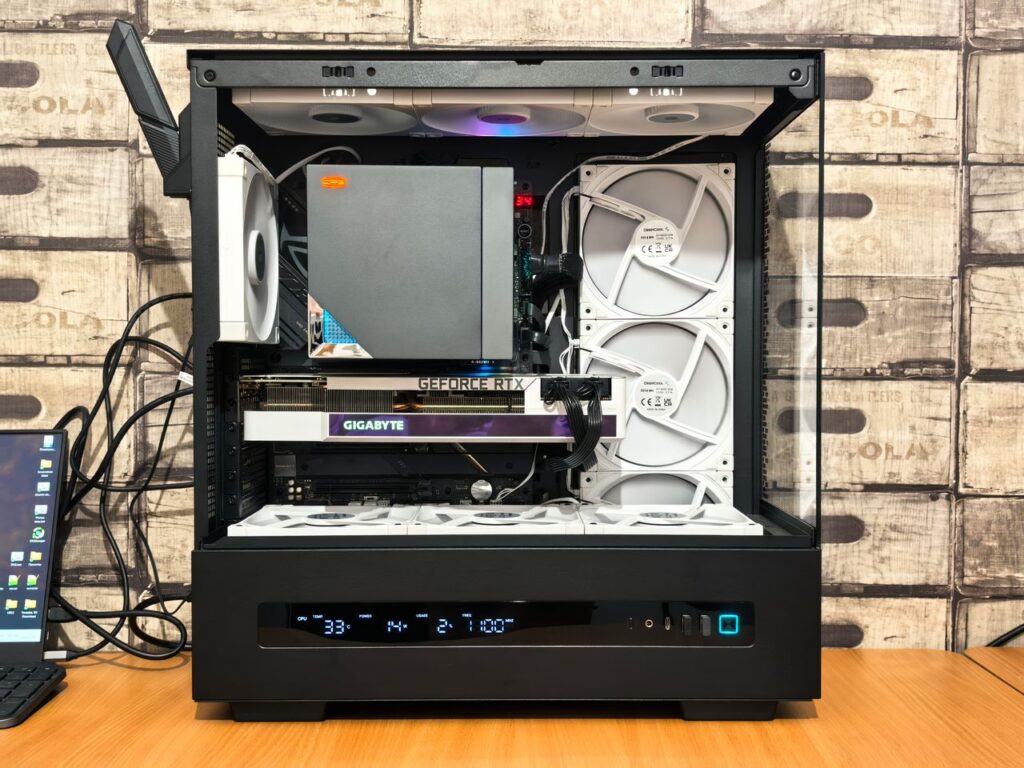
A custom PC is built around your specific requirements. You choose the processor, motherboard, graphics card, RAM, storage, power supply, case, cooling system, and other components.
There are actually two common versions.
DIY custom build: You purchase the components and assemble the computer yourself.
Professionally assembled custom build: You select the components and a PC builder assembles and tests the system for you.
The second option is an excellent middle ground for buyers who want control over components without wanting to install everything themselves.
Custom PC: The Major Advantages
1. Maximum control
Want a powerful GPU but don’t need an expensive processor? You can allocate your budget accordingly.
Need 64GB of RAM for professional applications? Choose it.
Want a quiet PC with a large air cooler and premium case fans? Build around that requirement.
This flexibility is one of the biggest reasons experienced PC users prefer custom systems. Intel similarly highlights hardware configuration as a major advantage of custom and DIY PCs. Intel
2. Better component transparency
With a carefully selected custom build, you know exactly what you’re buying.
Instead of simply seeing “1TB SSD,” you can select the specific SSD model. Instead of “850W power supply,” you can choose the exact PSU and its efficiency rating.
This matters because not all components within the same category perform identically.
3. Easier long-term planning
Suppose you build a gaming PC with 32GB of RAM, a quality motherboard, a sufficiently powerful PSU, and a spacious case.
Two years later, you can potentially upgrade the graphics card or add storage without replacing the entire machine.
That makes upgradeability an important part of the initial purchasing decision.
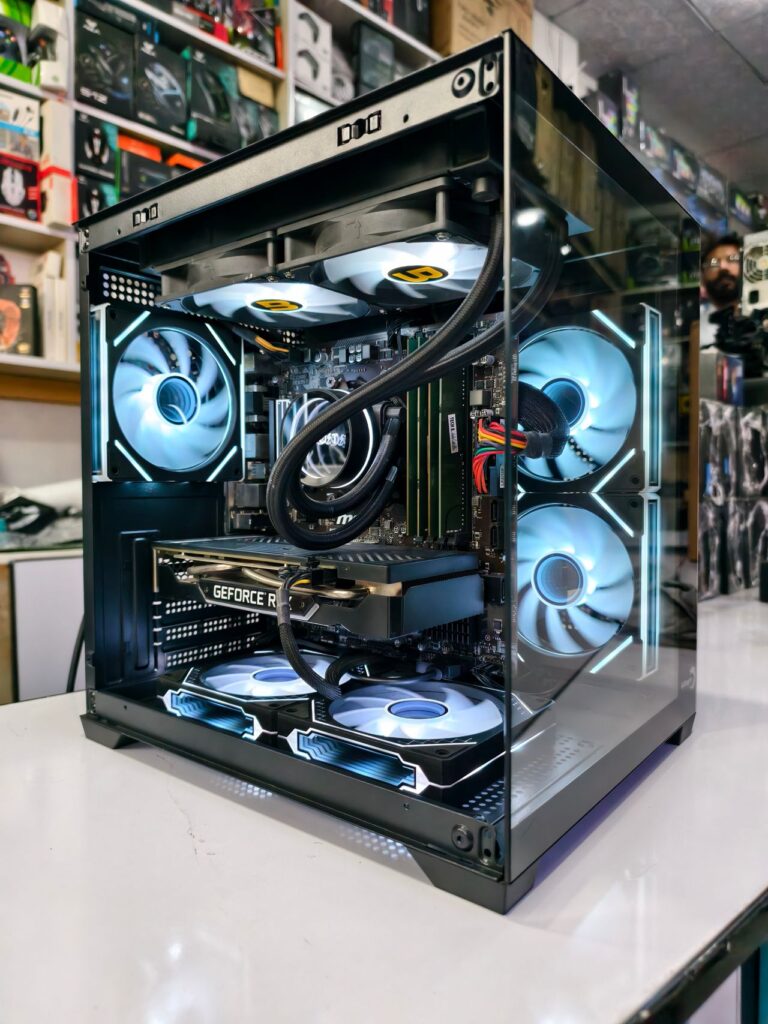
4. Personalization
A custom PC can also be designed around aesthetics.
You can choose:
- Case size
- RGB lighting
- Fan configuration
- Color scheme
- Tempered-glass panels
- Air or liquid cooling
- Cable-management style
For enthusiasts, building the PC can be part of the fun rather than simply a means of getting a computer.
The Disadvantages of a Custom PC
Custom doesn’t automatically mean cheaper or better.
The biggest downside is responsibility.
You must ensure that the components are compatible, assemble the system correctly, install software and drivers, troubleshoot problems, and determine which component is responsible if something fails.
You also deal with individual component warranties rather than necessarily having one company responsible for the entire machine.
And don’t forget the value of your time. Spending an entire weekend researching parts and assembling a computer has an opportunity cost.
Pre-Built vs. Custom: Head-to-Head
| Factor | Pre-Built | Custom |
|---|---|---|
| Convenience | Excellent | Moderate |
| Component selection | Moderate | Excellent |
| Ease of setup | Excellent | Moderate |
| Upgrade potential | Varies | Usually excellent |
| Personalization | Moderate | Excellent |
| Technical knowledge required | Low | Moderate–High |
| Troubleshooting | Easier | More responsibility |
| Warranty simplicity | Usually better | Component-by-component |
| Learning experience | Low | Excellent |
| Performance optimization | Good | Excellent |
The important word in the pre-built column is “varies.” Not every pre-built PC is difficult to upgrade. Some are designed with standard components and accessible interiors, while others use proprietary designs that restrict upgrades.
A Practical Example: The Gamer
Imagine two buyers with a $1,500 budget.
Buyer A wants to play games immediately and doesn’t know much about PC hardware.
A reputable pre-built gaming desktop could be the better choice. The buyer gets a tested machine, Windows installed, and a single company to contact if something goes wrong.
Buyer B enjoys researching hardware and wants maximum gaming performance for the money.
A custom build may be preferable because the budget can be concentrated on the components that matter most to gaming performance.
The key isn’t simply whether one costs less. It is how effectively the total budget is allocated.
PCMag’s testing philosophy illustrates another important point: a good desktop should be evaluated not just by raw specifications, but also by design, usability, connectivity, upgradability, and value. Yahoo Tech
A Practical Example: The Content Creator
Consider a video editor who spends several hours every day working with large projects.
Their priorities might be:
- Strong multi-core CPU performance
- Plenty of RAM
- Fast NVMe storage
- A capable GPU
- Multiple high-speed storage options
- Good cooling
- Quiet operation
For this user, custom configuration can be particularly attractive because the system can be optimized for the applications actually being used.
A pre-built workstation or professional desktop can still be an excellent choice, however, particularly when reliability, support, and deployment time matter more than choosing every component.
A Practical Example: The Family PC
Now consider a family purchasing a computer for schoolwork, web browsing, video calls, and general productivity.
Building a custom PC may provide little practical benefit.
A quality pre-built desktop can deliver sufficient performance while minimizing installation and troubleshooting.
In this scenario, simplicity is itself a feature.
What Experts and Experienced Builders Emphasize
One recurring lesson from experienced PC builders is that specifications must be considered as a complete system rather than as isolated numbers.
A powerful graphics card paired with inadequate cooling, insufficient power delivery, or poor airflow can undermine the overall design.
Likewise, a high-end CPU doesn’t automatically make a PC better if the intended workload doesn’t benefit from it.
Recent industry guidance also emphasizes that there isn’t one universally cheapest approach. Cost-saving opportunities exist with pre-built, custom-built, and DIY systems, depending on component selection and market pricing. Intel
That’s why the smartest purchasing strategy is to start with your workload, not a component list.
How to Decide: Five Questions to Ask
Before spending your money, answer these questions.
1. What will you use the PC for?
Gaming, office work, programming, photo editing, video production, 3D rendering, and AI workloads can have very different hardware requirements.
2. How much technical knowledge do you have?
If terms such as RAM channels, PCIe lanes, CPU socket, PSU efficiency, and BIOS updates are unfamiliar, a pre-built system may save you considerable frustration.
3. How important are future upgrades?
If you expect to upgrade components regularly, investigate the motherboard, case, power supply, and cooling—not just today’s CPU and GPU.
4. How valuable is your time?
A DIY build may save money or improve component selection, but researching, assembling, testing, and troubleshooting takes time.
5. What does the warranty actually cover?
Never assume every part has identical coverage.
Read the warranty terms before purchasing. Some manufacturers offer extensive support packages, while component warranties on DIY systems are handled separately.
The Best Middle Ground
You don’t necessarily have to choose between “buy a pre-built” and “build everything yourself.”
A professionally assembled custom PC can provide the best of both worlds.
You select the components, while the builder handles assembly and testing.
This approach is particularly useful if you know exactly what hardware you want but don’t want to troubleshoot a failed first boot at midnight.
Common Buying Mistakes to Avoid
Mistake #1: Buying based only on the CPU.
A “Core i7” or “Core Ultra 9” label tells you very little about the quality of the complete system.
Mistake #2: Ignoring the power supply.
The PSU is one of the components you should never treat as an afterthought.
Mistake #3: Buying too little RAM.
For demanding modern workloads, insufficient memory can become a significant limitation.
Mistake #4: Forgetting storage expansion.
Check how many M.2 slots, SATA ports, and drive bays are available.
Mistake #5: Assuming every pre-built is upgrade-friendly.
Check the actual motherboard, case, PSU, connectors, and physical clearance before planning future upgrades.
Mistake #6: Spending everything on performance and nothing on reliability.
A balanced computer with good cooling and a quality PSU is usually a better long-term investment than a machine that maximizes one headline specification.
So, Which Should You Buy?
Choose a pre-built PC if:
- You want a computer that works immediately.
- You don’t want to assemble or troubleshoot hardware.
- Warranty and support are high priorities.
- You aren’t particularly interested in PC hardware.
- Your time is more valuable than the potential savings from DIY.
Choose a custom PC if:
- You want maximum control over components.
- Performance per dollar is important.
- You enjoy researching hardware.
- You want a specific upgrade path.
- You have specialized workloads.
- You want to learn how PCs work.
And choose a professionally assembled custom PC if you want component-level control without doing the physical assembly yourself.
Final Verdict
There is no universal winner in the pre-built vs. custom PC debate.
Pre-built PCs win on convenience, simplicity, and support. Custom PCs win on flexibility, component control, personalization, and the ability to optimize the machine around your specific needs.
For a first-time buyer who wants minimal hassle, a reputable pre-built is often the sensible choice.
For an enthusiast, gamer, creator, or technically confident buyer who wants to squeeze the most value from a carefully planned budget, custom is often more rewarding.
The most important lesson is this: don’t buy a PC because one specification looks impressive. Buy a balanced system designed for what you actually do.
Before purchasing, compare the complete component list, cooling, PSU, upgrade options, warranty, and total price. Then decide whether the convenience of a pre-built—or the control of a custom machine—is worth more to you.
Ready to buy? Start by writing down your budget, your primary workload, and the games or applications you use most. From there, compare a reputable pre-built against a carefully selected custom configuration. The right PC isn’t necessarily the most expensive one—it’s the one that gives you the performance, reliability, and upgrade path you actually need.
::: Sources